
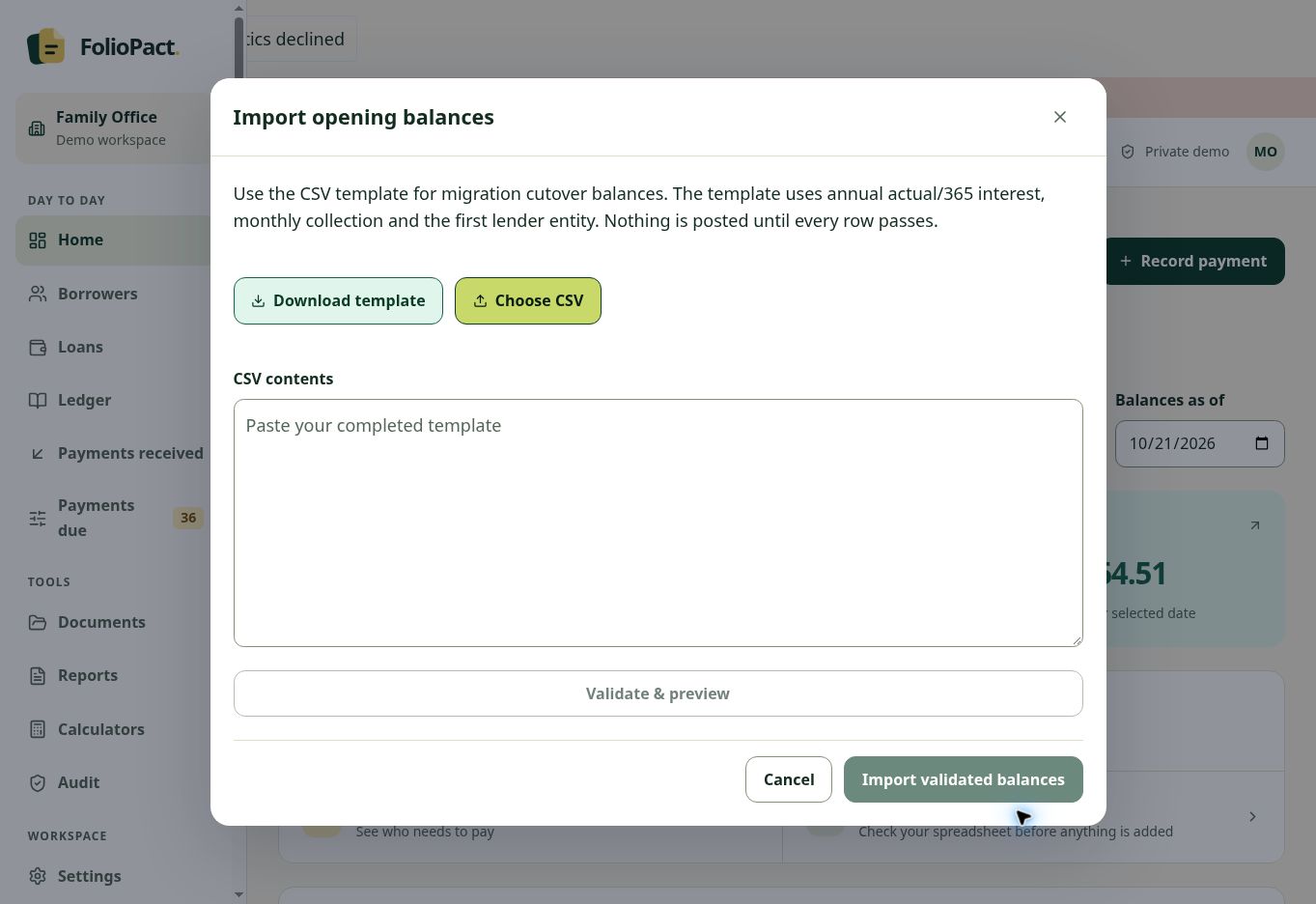
Decide where the new ledger starts
Choose a cutover date. For each agreement, identify the legal lender, borrower reference, currency and supported interest terms. Reconcile the outstanding principal and interest to the agreement and source records as of that date.
Keep a copy of the original workbook with its transaction history. Give each row in the migration file a reference you can trace back to the source.
Work through the template and preview
Download the opening-balance CSV template in the demo. You can prepare its rows in Excel and save them in the template’s CSV format. Start with a small fictional sample and compare the preview with your expected amounts.
Check the assumptions shown on the import screen and resolve every validation issue before proceeding. Review the resulting balances by borrower and currency before entering later repayments. Permanent financial posting requires enabled owner pilot access.
Cutover reconciliation for one agreement
| Balance at cutover | Source workbook | Expected preview |
|---|---|---|
| Outstanding principal | ₹2,40,000 | ₹2,40,000 |
| Accrued unpaid interest | ₹4,500 | ₹4,500 |
Illustrative reconciliation. Use the template to determine the supported input fields and conventions for your import.