
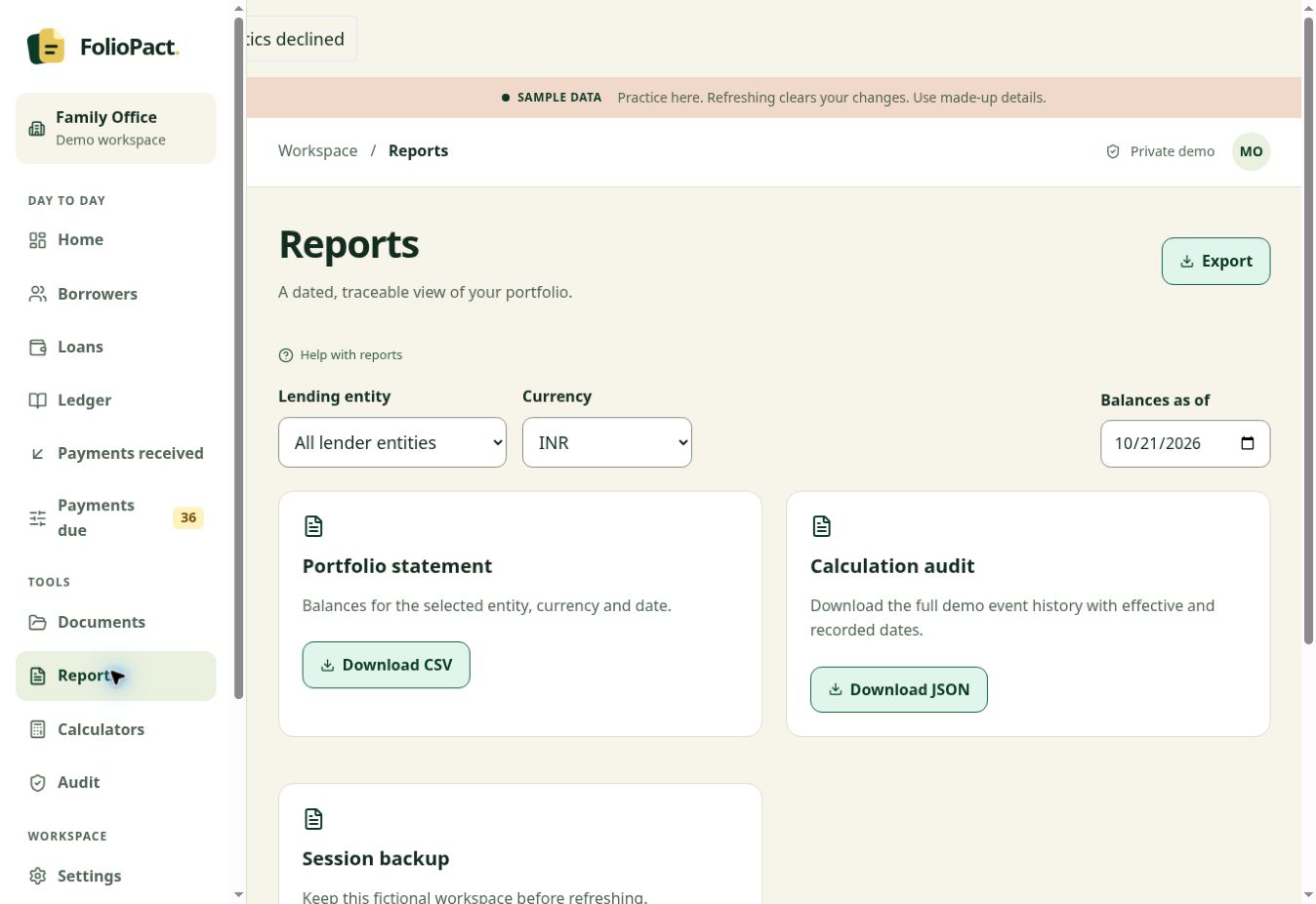
Use a statement with a clear scope
Identify the borrower or loan, lender, currency and date range before exporting. Review the opening balance, entries during the period and closing balance, then compare them with the same scope in the workspace.
Share the relevant download with your accountant through your own approved channel. The demo lets you practise with fictional records. Workspace export formats depend on the view and the access enabled for the account.
Keep the reason for a correction
When a saved transaction needs correction, review the original entry and enter the reason. The supported correction workflow retains the original and links the reversal and any replacement.
Recheck balances as of the dates affected by the correction. The history gives the next reviewer the amount, timing and reason for the change.
Correcting a receipt recorded for the wrong amount
| Ledger history | Amount | What it records |
|---|---|---|
| Original receipt | ₹12,000 | The first entry and its original reference |
| Linked reversal | −₹12,000 | Reversal of the original posting |
| Replacement receipt | ₹10,000 | The corrected amount and reason |
Illustrative transaction history. The net receipt across these entries is ₹10,000.