 FolioPact
Correct transactions and follow the audit trail
A financial correction should explain what changed. FolioPact's demo preserves the original event and adds a reasoned reversal or linked replacement. It does not silently erase the original transaction.
Find the original entry
Open the relevant payment or the loan's Events tab. Check the date, amount and allocations to identify exactly what needs correcting. A multi-loan receipt is corrected as a whole receipt.
Choose the correction action
Use the available correction or Reverse entry action. Enter the correction date and a specific reason. A correction cannot be dated before its original entry. Reversing a reversal is unsupported.
Review the effect
If replacing a receipt, check the replacement details and allocations. Later dependent allocations can prevent the correction. Resolve the dependency rather than changing the original history by hand.
Inspect the dated statement
This version uses dated restatement. Once the correction date is reached, the balance calculation omits the reversed event from its original effective date. The cash ledger retains the original line and a contra line dated on the correction date. A statement before the correction date still includes the original.
Read Audit
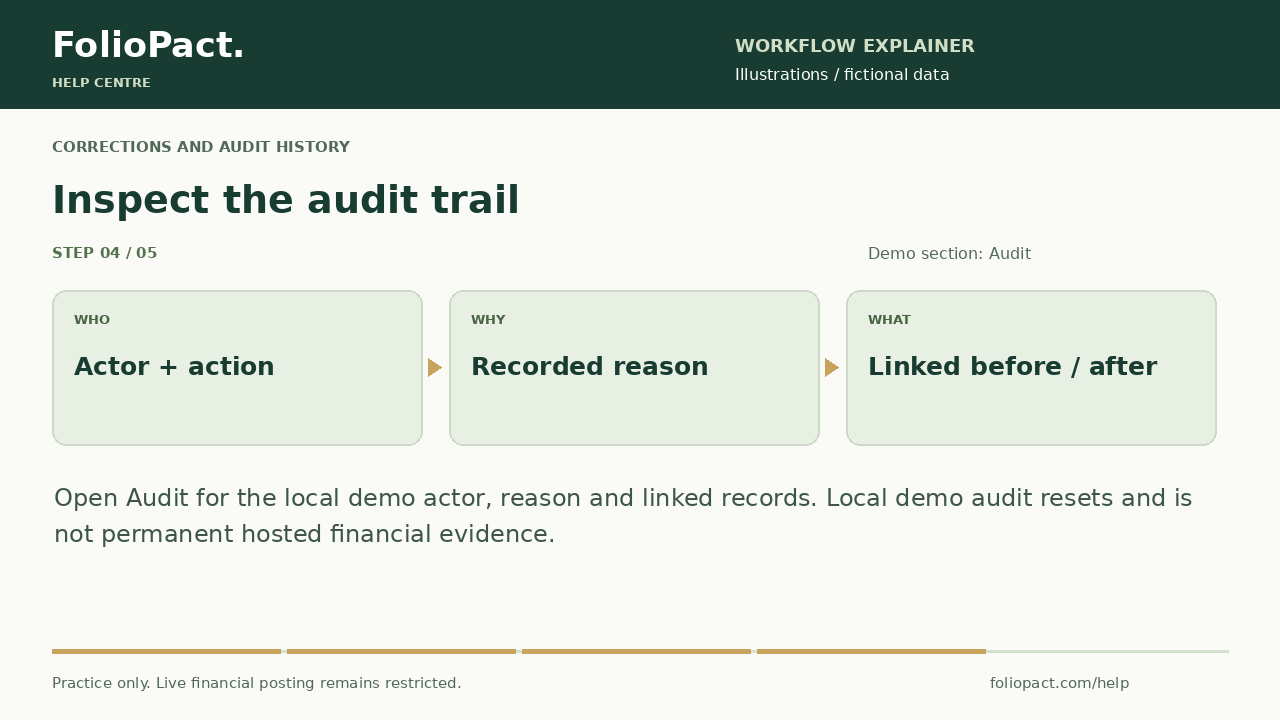
Open Audit to inspect actor, action, reason, original/reversal/replacement links and before/after information. These are local demo audit records and reset with the demo. In the private workspace, Workspace audit history covers server-recorded workspace/account activity, not enabled financial corrections.
Check your result
- The original record and correction are traceable.
- The reason explains the change.
- The statement date and cash contra line explain the balance effect.