 FolioPact
Add a borrower and create your first loan
Start with a fictional borrower and an agreement you can explain. The demo separates borrower details, lender ownership, cash movement and interest terms. Changes reset on refresh.
Add a fictional borrower
Open the demo, choose Borrowers, then Add borrower. Enter made-up details and save. Existing sample borrowers can also be used for practice.
Start a loan
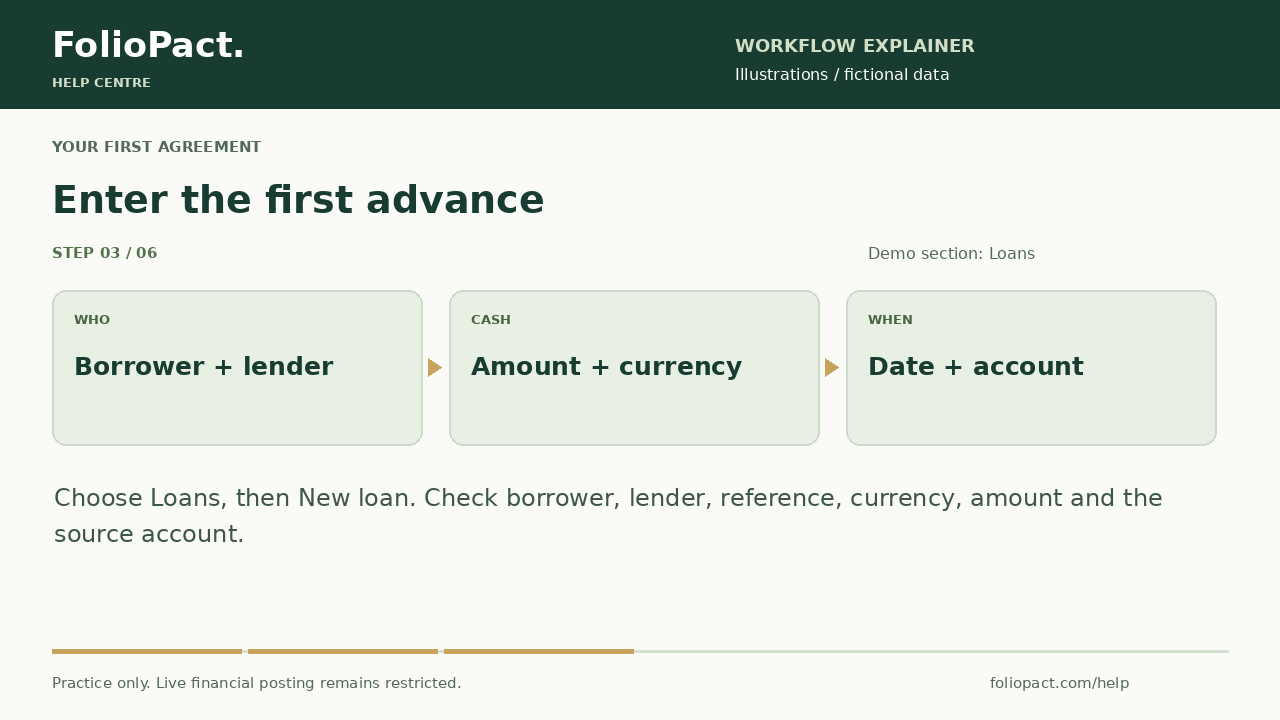
Choose Loans, then New loan. Search for the borrower and select the correct lender entity. Give the agreement a recognisable reference.
Enter the advance
Select currency, enter the amount without grouping commas and choose Date money is lent. Select the appropriate bank/cash account and payment details. Use fictional references.
Enter the agreed terms
Choose Continue to interest. Set the rate unit, rate, part-period convention, principal basis, collection frequency, first due date and loan end date. These are separate decisions; match the agreement rather than accepting a convenient default.
Review and save
Choose Review loan. Check borrower, lender, amount, currency, dates, bank account and interest terms. Use Back to correct a detail, then Save loan. Open the new loan to inspect its statement.
Check your result
- The agreement appears under the intended borrower and lender.
- The first advance and currency match your example.
- The statement and first payment date reflect the selected terms.