 FolioPact
Review bank transactions and reconcile receipts
Reconciliation checks whether a recorded cash movement agrees with the bank statement. The current demo supports manual review. Statement upload, suggested matching and automated feeds are separate roadmap capabilities.
Choose the account and period
Open Settings and find Bank and cash accounts. Identify the account, currency and date range you are checking. Compare one account and one currency at a time.
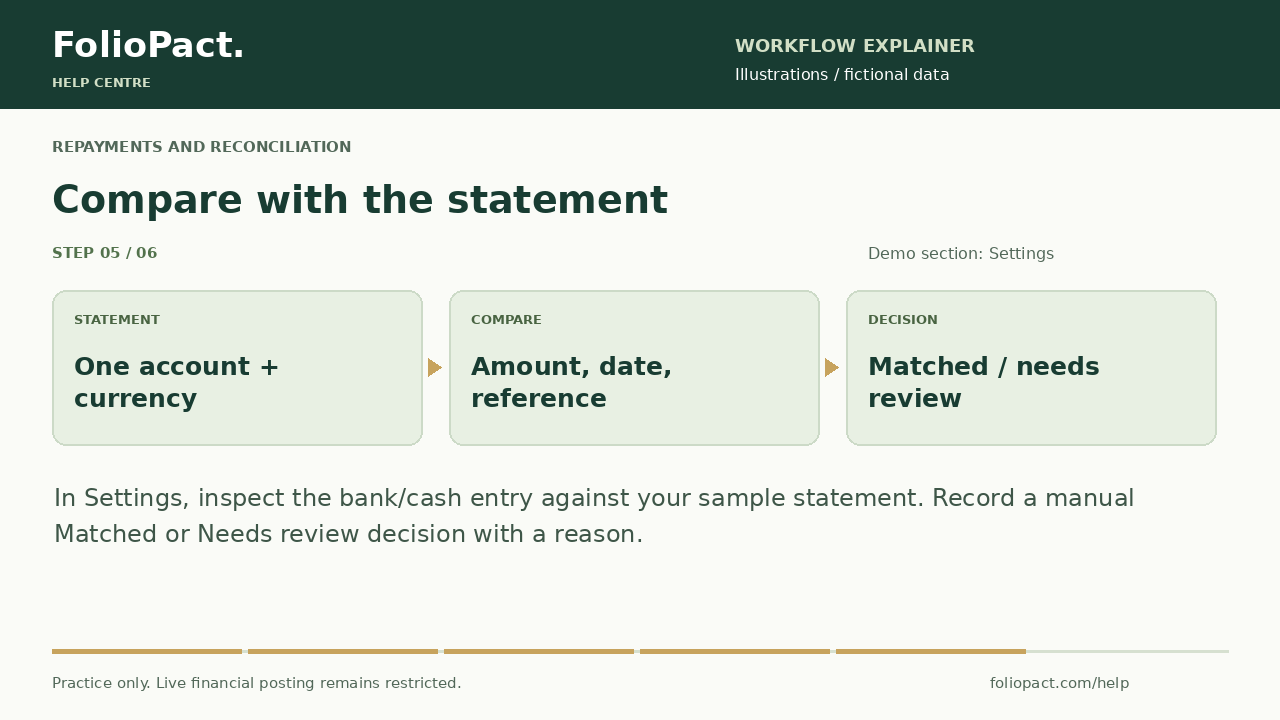
Compare the movement
Use the bank statement to verify amount, direction, reference and date. Where present, compare the bank value date separately from the transaction date. An entry with an unspecified historical account needs investigation.
Record a manual review
In the cash-entry review controls, choose the relevant entry and mark Matched or Needs review with a reason. Unreviewed means no completed match has been recorded. A status records your review; it does not contact the bank.
Investigate differences
Check missing receipts, repeated entries, bank fees, value-date differences and reversals. Correct an incorrect underlying transaction through the correction workflow instead of forcing a match.
Compare the exported cash ledger
Export the cash register or Ledger for the same account, currency and period. Keep unresolved differences visible. In the demo, export your practice results before refreshing because local changes will reset.
Check your result
- Each marked match has a corresponding statement movement.
- Unmatched amounts have a documented explanation or remain under review.
- A review status has not been mistaken for a verified bank feed.